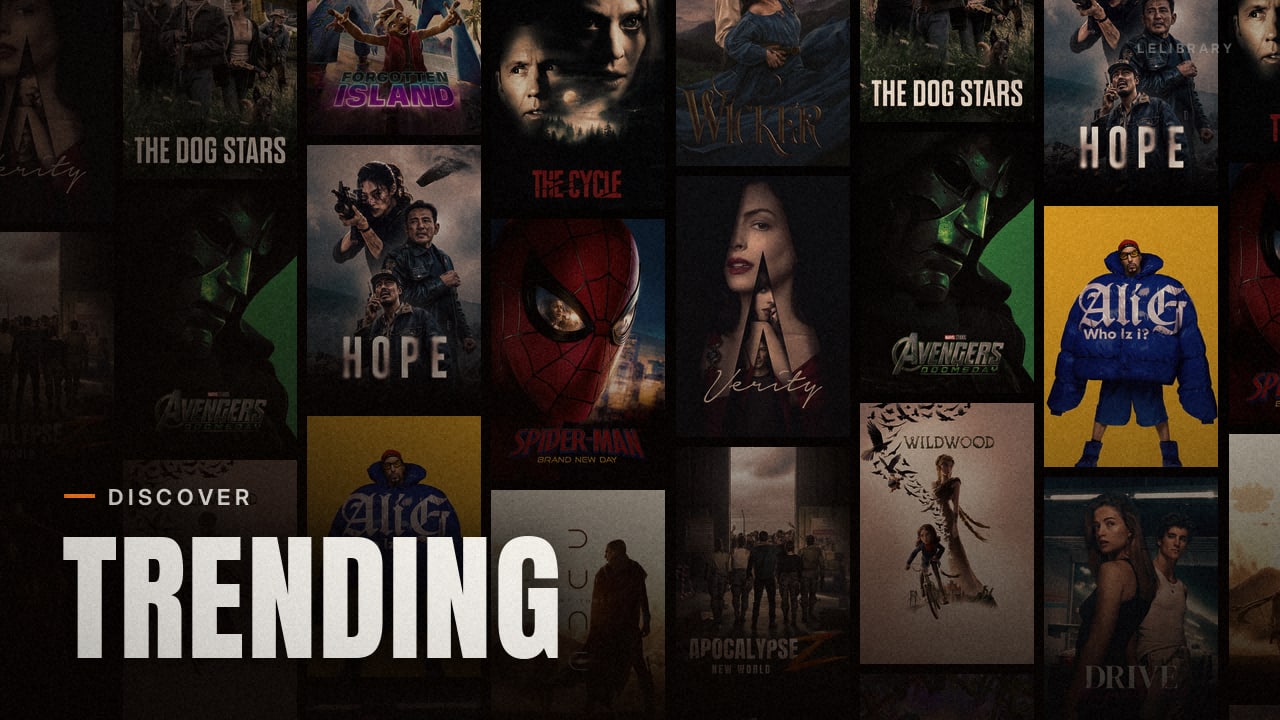
One addon. Your whole library.

Your debrid library,
one addon, press play.

LeLibrary turns the files already in your TorBox, Real-Debrid, AllDebrid or Premiumize account into a real library in Stremio and Nuvio. Pick a title and your own copy plays straight away. Catalogues, collections and extra streams live in the same addon, so you do not need a stack of others.

Set up LeLibrary →
Works with
Why LeLibrary exists

Your files deserve better than a stream list.

Debrid services are brilliant at keeping what you save. Watching it is another story: a library addon here, a few catalogue addons there, a stream addon on top, and forty results to scroll past for a film you already own.

LeLibrary was built to put all of that in one addon. Your library, your catalogues, your collections and your streams, set up once. Open a title, press play, and your own copy starts.

The usual way

  • A separate addon for every catalogue
  • Forty streams to pick from for every title
  • Your saved files buried on a website
  • Collections rebuilt by hand in each app

With LeLibrary

  • Library, catalogues and streams in one addon
  • Your own copy plays first, straight away
  • Your saved files as a real library with artwork
  • Collections sent to Nuvio in one click
01

Your library first

If you already have it, that is what plays. No duplicates, nothing re-added to your account.

02

One addon for everything

Library, catalogues, collections and extra streams, set up together and kept together.

03

Your keys stay yours

Keys are sealed on the server and only used to read your own library. No tracking, no ads.

What you get

From saved files to a library you actually use.

01 · Your library

Every saved file, sorted into a library.

LeLibrary reads the files in your debrid account, matches them to TMDB and builds Movies, Shows and Anime rows with real artwork. Season packs, multi-episode files and anime releases land in the right season and episode.

  • Movies, shows and anime
  • Season packs and multi-episode files
  • Combine up to four debrid services
02 · Playback

Press play. Your copy starts.

Open a title you already have and your own file sits at the top, labelled and ready. No scrolling through results and nothing added to your account again. Want more choice? Add stream sources like Torrentio or Comet and they line up underneath, in your order and your style.

  • Your copy always first
  • Optional stream sources, in the order you choose
  • Clean stream names and Nuvio badges
03 · Catalogues

Catalogues built in. No extra addons.

Trending, popular, top rated, streaming services, studios, genres and more come with LeLibrary. Pick the rows you want on your Home screen, put them in your order and rename them, all in one setup.

  • Hundreds of ready-made rows
  • Your Home order, set once
  • Bring rows from other addons if you want
04 · Collections

Collections that land in Nuvio.

Start from a Quick Pack or build your own folders with artwork, then send them to your Nuvio profile in one click. LeLibrary Movie Collections groups the films you own into franchise folders for you.

  • Quick Packs, ready to edit
  • Your own folders and artwork
  • One click to push to Nuvio
All in one

Everything in one addon.

Library

  • TorBox, Real-Debrid, AllDebrid and Premiumize
  • Torrents, Usenet and web downloads on TorBox
  • Movies, shows and anime

Artwork

  • TMDB, RPDB, ERDB, Pictorium and more
  • Nuvio badge packs
  • Live preview while you set up

Streams

  • Your copy first
  • Torrentio, Comet, Meteor, MediaFusion and more
  • Quality filters and stream styles

Nuvio

  • Home rows and collections pushed for you
  • Auto-play and next episode settings
  • Hide unreleased titles

Setup

  • Three levels, from minutes to full control
  • Edit any time from the same link
  • English and Spanish
Getting started

Set up in minutes. Go deeper when you want.

Choose how much you want to set up now. You can move up a level later without reinstalling.

About 2 minutes

Quick Look

Your library, posters and stream style. The fastest way to start.

  • Library and keys
  • Posters and badges
  • Stream style
RecommendedAbout 5 minutes

Settle In

Everything in Quick Look, plus Home rows, playback filters and stream sources.

  • Home rows
  • Playback filters
  • Nuvio playback
About 10 minutes

Move In

The full editor, with collections, folders and one-click push to Nuvio.

  • Collections and folders
  • Quick Packs
  • Push to Nuvio
Start Move In

Already have a setup? Open its link to edit it, or find it on the setup page.

Privacy

Your keys stay yours.

LeLibrary only reads your own library. Read the privacy policy for the details.

Sealed on the server

Your provider keys are encrypted and only used to read your own library.

A password for editing only

Installing never asks for it. It only protects changes to your setup.

No tracking

No analytics, no ads and no accounts. Your setup is just a link.

Open source

Read the code on GitHub, or run your own copy.

Questions

Good to know.

What is LeLibrary?

LeLibrary is one addon for Stremio and Nuvio that turns your debrid library into a real library. Your saved movies, shows and anime get artwork and seasons, your own copy plays first, and catalogues, collections and extra stream sources are built in.

Do I still need other catalogue addons?

No. LeLibrary includes discovery rows such as trending, popular, top rated, streaming services, studios and genres, so one addon can cover your library, catalogues and streams. You can still use other addons alongside it if you like.

Does it skip choosing a stream?

When a playable copy is already in a connected debrid library, LeLibrary prioritizes that copy. In supported players, you can press Play without sorting through a list of duplicate results.

Will LeLibrary add duplicate torrents to my debrid account?

Browsing with LeLibrary or playing a saved title does not add another torrent to your debrid account. It reuses a playable file already in your connected library.

Does LeLibrary only work with TorBox?

No. LeLibrary supports TorBox, Real-Debrid, AllDebrid and Premiumize. Choose one provider or combine them in one setup.

How do I set up LeLibrary?

Open the setup page, pick Quick Look, Settle In or Move In, connect your debrid provider and follow the steps. At the end you get an install link for Stremio and Nuvio.

Can I change my setup later?

Yes. Open your setup link, unlock it with your password and the same page opens with everything filled in. You can also move up a level without reinstalling.


Your library, one addon away.

Connect your debrid service, pick your rows and press play in Stremio or Nuvio.